Navigation rail 導航軌道
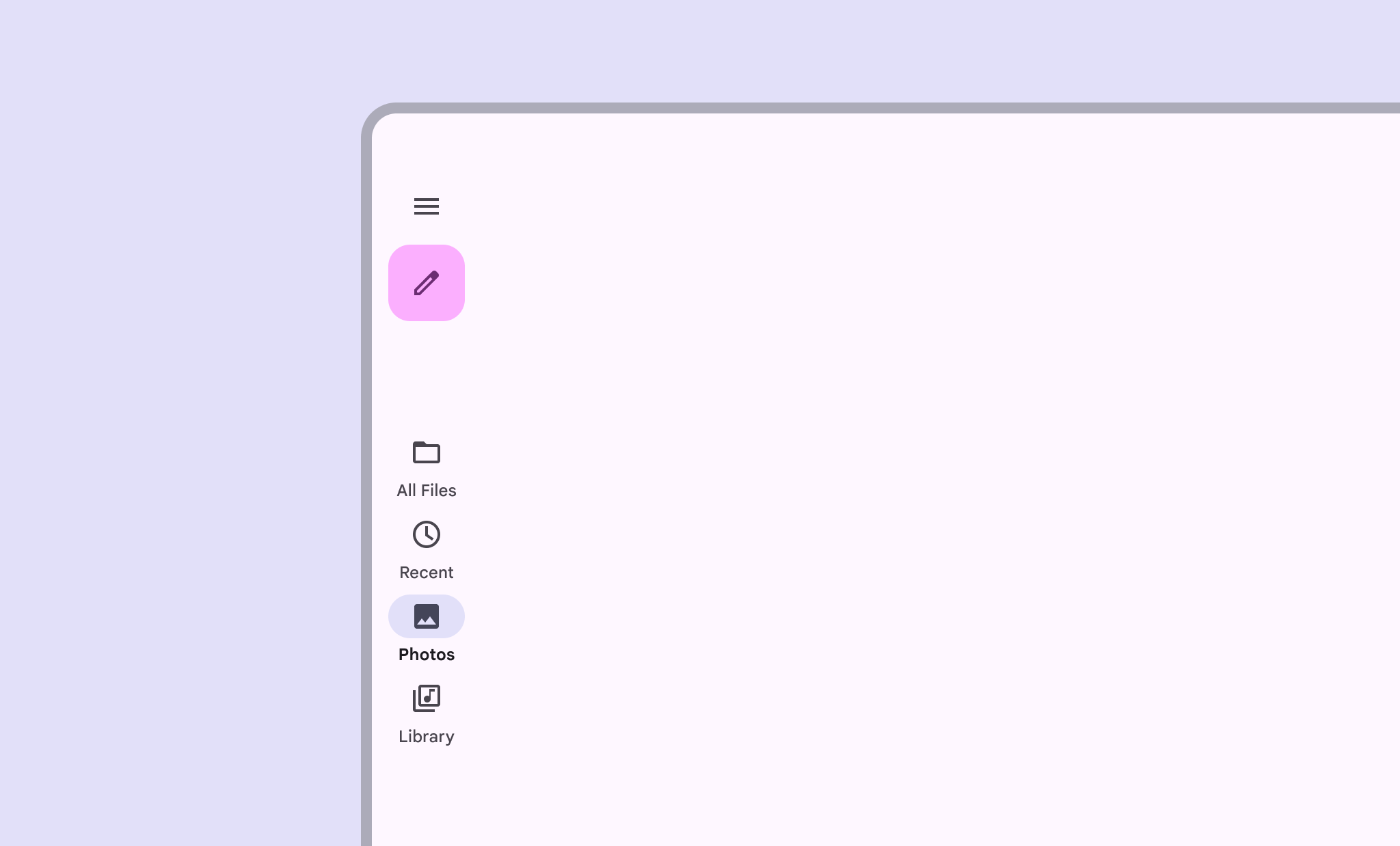
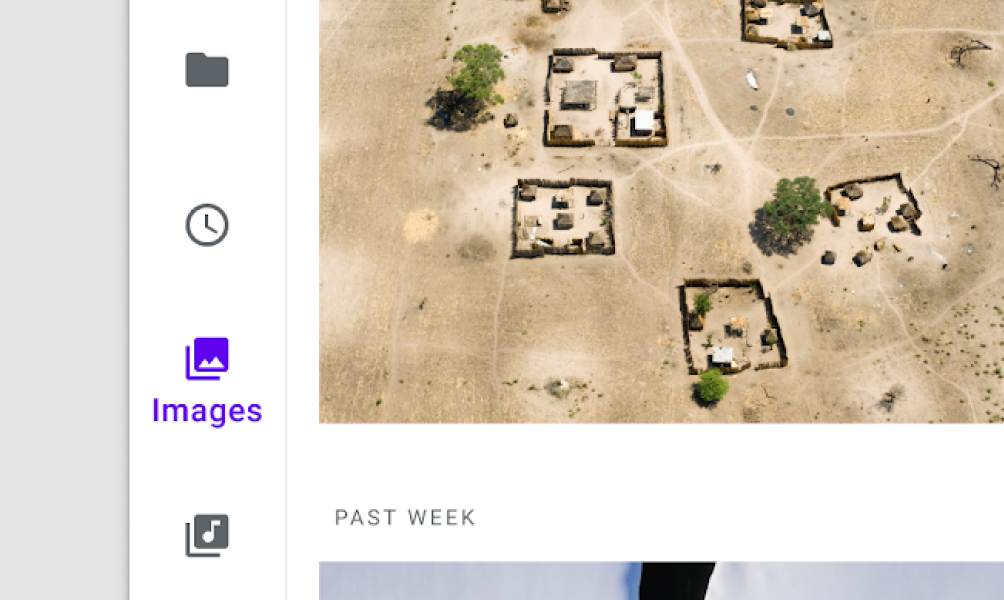
- 在中等、擴充套件、大型或超大視窗尺寸下使用導航欄
- 可包含 3 至 7 個目的地,外加一個可選的懸浮操作按鈕
- 始終將導航欄置於同一位置,即使在應用的不同螢幕上也是如此


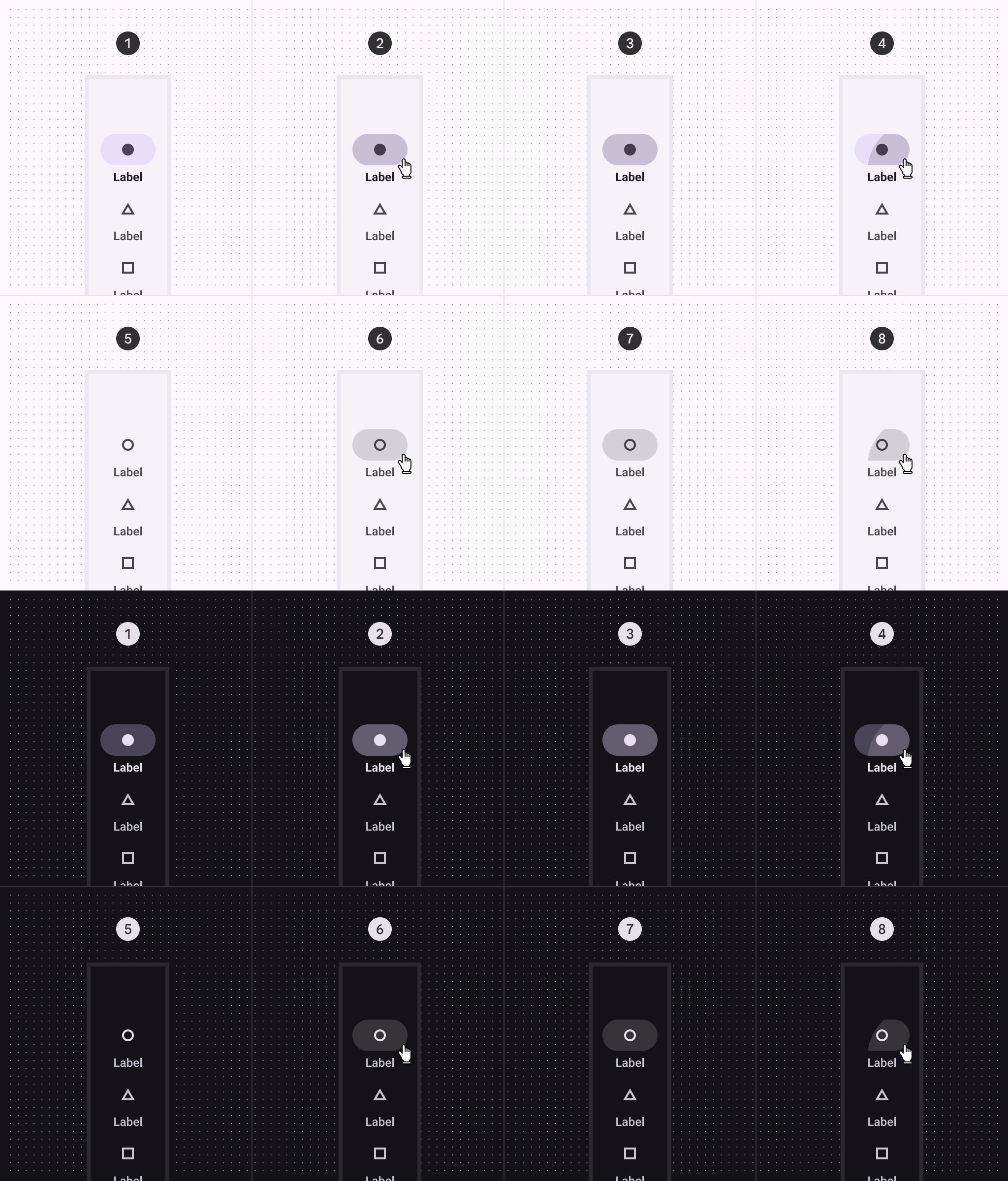
States 狀態
| Attribute 屬性 | Value 值 |
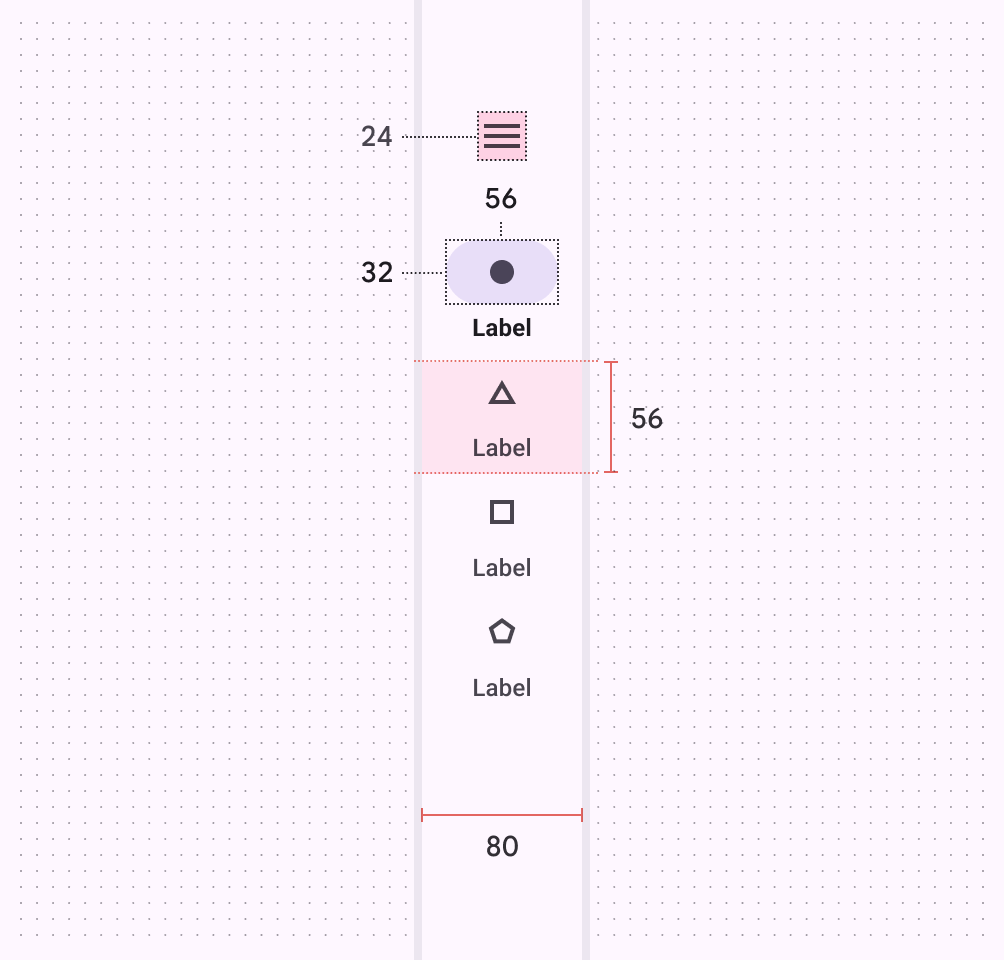
| Container width 容器寬度 | 80dp |
| Container shape 容器形狀 | 0dp corner radius 圓角 |
| Destination item height 目標項高度 | 56dp |
| Active indicator height 活動指示器高度 | 32dp |
| Active indicator width 活動指示器寬度 | 56dp |
| Active indicator shape 活動指示器形狀 | 16dp corner radius 圓角半徑 |
| Active indicator height (no destination label text)活動指示器高度(無目標標籤文字) | 56dp |
| Active indicator shape (no destination label text)活動指示器形狀(無目標標籤文字) | 28dp corner radius 圓角半徑 |
| Icon size / Menu icon size圖示大小 / 選單圖示大小 | 24dp |
| Badge shape 徽章形狀 | 3dp corner radius圓角半徑 |
| Badge size 徽章尺寸 | 6dp |
| Large badge shape 大型徽章形狀 | 8dp corner radius圓角半徑 |
| Large badge size 大徽章尺寸 | 16dp |
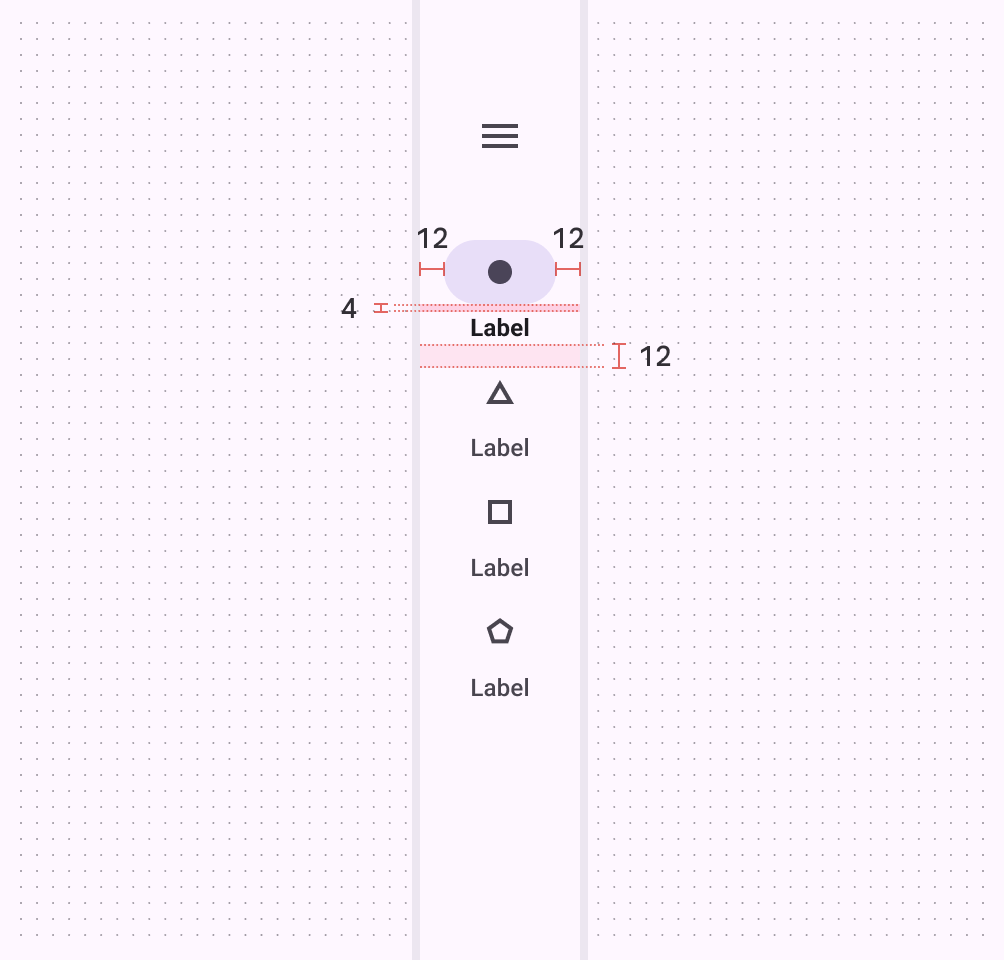
| Padding between edge and active indicator邊緣與活動指示符之間的填充 | 12dp |
| Padding between active indicator and label text活動指示器與標籤文字之間的間距 | 4dp |
| Padding between destination items目標專案之間的填充 | 12dp |
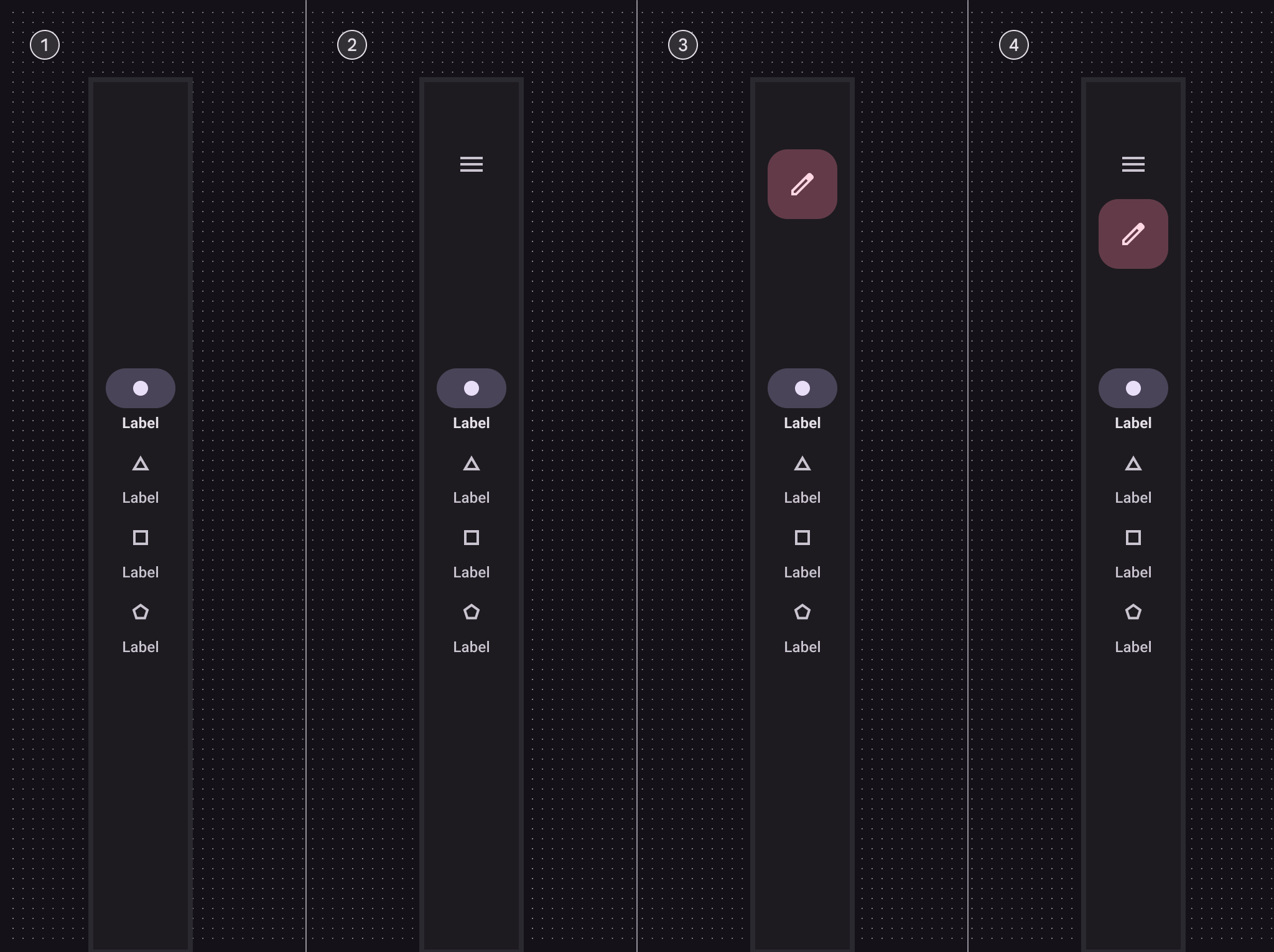
Configurations 配置
可以將懸浮操作按鈕(FAB)新增到導航欄中。在本示例中,導航項垂直居中對齊,但也可以與導航欄邊緣頂端對齊或底端對齊。